Vibe Coding: Building Apps with AI as Your Pair Programmer

Vibe Coding: Building Apps with AI as Your Pair Programmer
As someone who codes both professionally and for personal projects, I've been experimenting with AI-assisted development. Here's what I've learned about this new way of building.
What is "Vibe Coding"?
Vibe coding is a term I've seen floating around - it's about using AI tools not as a crutch, but as a creative collaborator. You bring the vision, the AI helps with execution, and together you build things faster than either could alone.
My Favorite AI Coding Tools
v0 by Vercel
This has become my go-to for UI work. I describe what I want, and it generates React components with Tailwind CSS. The iterations are quick, and it understands modern patterns.
Best for: Landing pages, UI components, rapid prototyping
Cursor
An AI-first code editor that feels like VS Code with superpowers. It understands your entire codebase and can make changes across multiple files.
Best for: Larger projects, refactoring, understanding unfamiliar codebases
GitHub Copilot
Still great for inline suggestions and completing boilerplate code.
Best for: Day-to-day coding, tests, repetitive patterns
Tips for Effective AI-Assisted Coding
1. Be Specific in Your Prompts
Instead of "make a button," try "create a primary button with rounded corners, a subtle shadow, and a hover state that slightly lifts it."
2. Iterate, Don't Accept Blindly
AI gives you a starting point. Review it, understand it, then refine it. The best results come from conversation.
3. Learn From the Output
When AI writes code you don't understand, that's a learning opportunity. Ask it to explain, or research the patterns it used.
4. Keep Your Vision
AI is great at common patterns but can be generic. Push for uniqueness. Describe the feeling you want, not just the functionality.
A Real Example: Building My Portfolio
This very website was built with AI assistance. I used v0 to:
- Generate initial component structures
- Create responsive layouts
- Iterate on the design until it felt right
But the vision, content, and final polish? That's all human. AI helped me move faster, but it didn't replace the creative decisions.
The Balance
I think the key is finding the right balance. Use AI for:
- Boilerplate and scaffolding
- Exploring ideas quickly
- Learning new patterns
- Debugging and optimization
Keep doing yourself:
- Architecture decisions
- User experience thinking
- Code review and quality
- Personal style and creativity
Conclusion
Vibe coding isn't about being lazy - it's about being efficient. The time saved on boilerplate is time gained for creative thinking. The cognitive load reduced on syntax is mental space freed for problem-solving.
Whether you're a seasoned developer or just starting out, AI tools can amplify what you do. Just remember: you're the driver, AI is the co-pilot.
What are your thoughts on AI-assisted development? I'd love to hear your experiences.
Related Posts
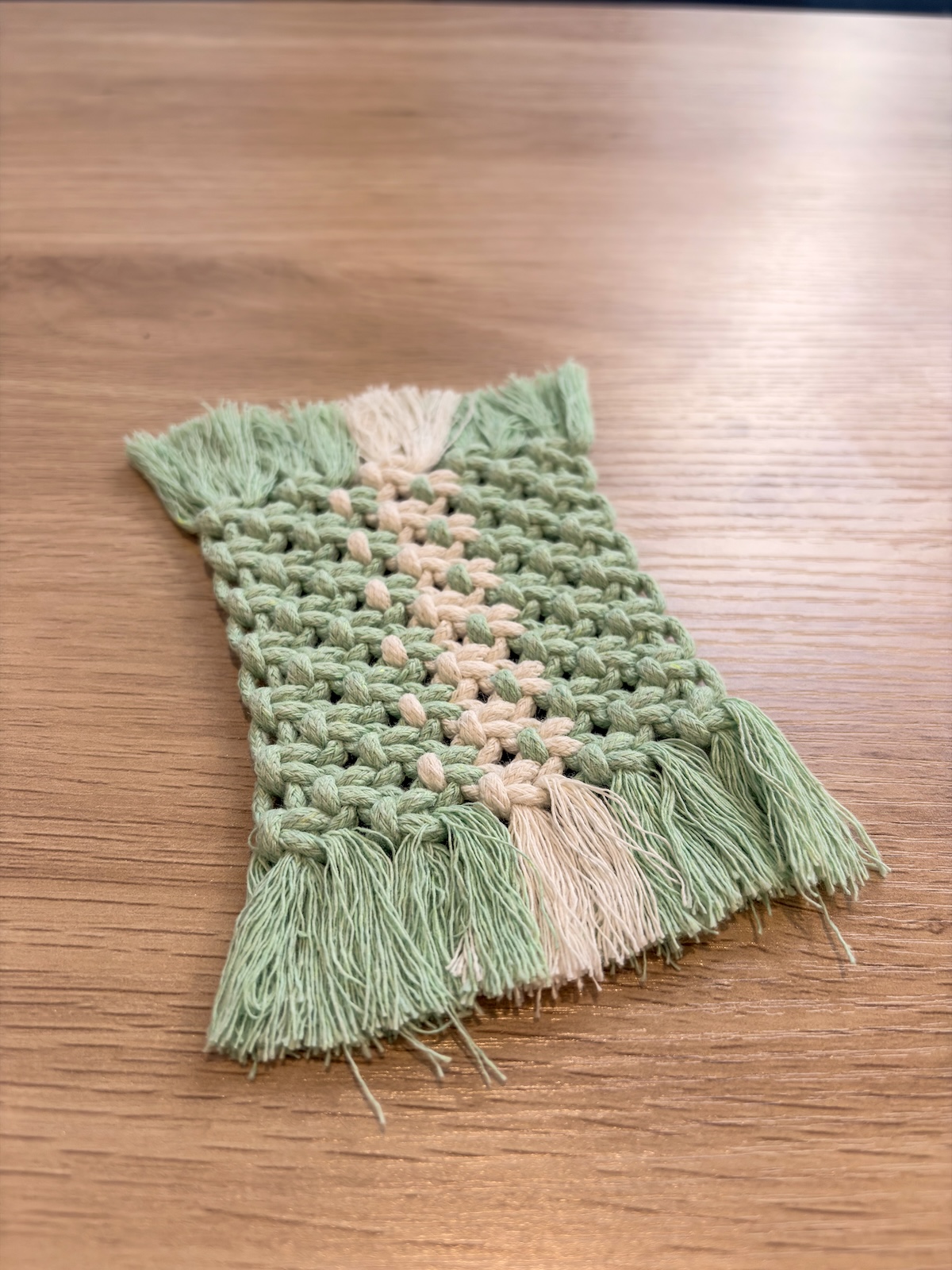
Getting Started with Macrame: A Beginner's Guide
Discover the meditative art of macrame knotting. From basic supplies to your first project, here's everything you need to know to start your macrame journey.

Finding Balance: Tech Career, Crafts, and Melbourne Life
Reflections on balancing a career in tech with creative hobbies, and why having hands-on activities makes me better at my digital work.